

7 Easy Tips to Keep Your Work From Home Desk Clutter-Free
7 Easy Tips to Keep Your Work From Home Desk Clutter-Free
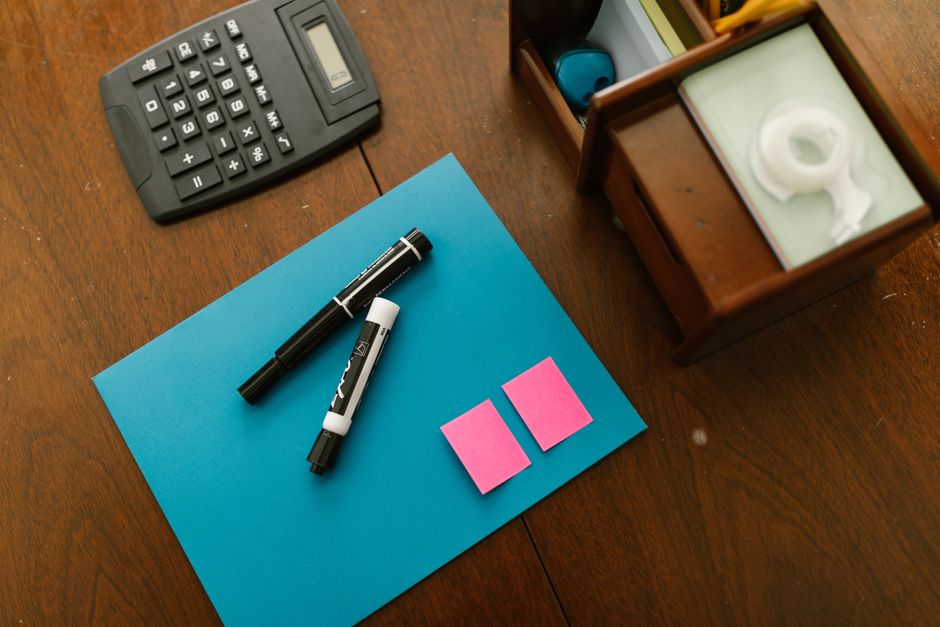
Working from home provides the comfort and flexibility that many of us crave, but it can also lead to a cluttered workspace if we're not careful. With so many of us now dialing into work daily from home, maintaining a tidy and efficient desk is more important than ever. At WorkZenLab, we understand the value of a well-organized workspace and how it can boost productivity. That's why we’ve compiled these seven easy tips to help you keep your desk clutter-free and your mind focused.
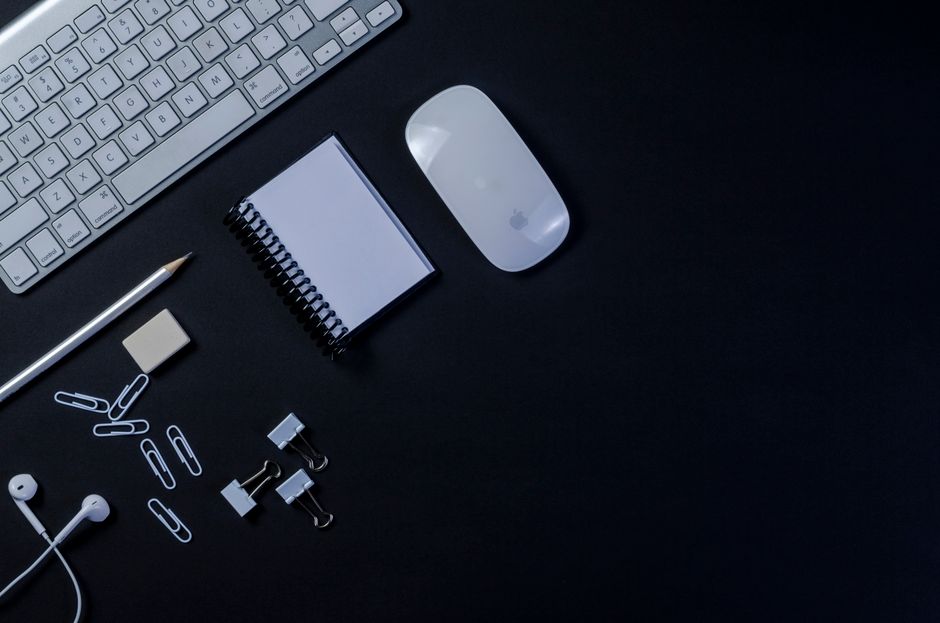
1. Start with a Clean Slate
Before you can maintain a clutter-free workspace, you have to start with one. Take everything off your desk and give it a good cleaning. You’ll be surprised at how a dust-free, spotless surface can set a refreshing tone for your workday. Look out for quality cleaning wipes and surface sprays designed specifically for office supplies, available at workzenlab.com.
2. Use Desk Organizers
Desk organizers are a must-have in the fight against clutter. A simple pen holder, document tray, or drawer organizer can keep your items in designated spots and away from your immediate workspace.
- Pen Holders: Keep your pens, pencils, and highlighters in one spot for easy access.
- Document Trays: Perfect for organizing papers that you refer to often.
- Drawer Organizers: Use these to keep smaller items like paper clips and sticky notes neatly tucked away.
Explore the variety of stylish desk organizers available at WorkZenLab.
3. Adopt the "One In, One Out" Rule
This simple rule can significantly reduce your desk clutter. For every item that you bring into your workspace, try to remove one. This could be as straightforward as discarding an old notepad when you buy a new one, or donating unused office supplies.
4. Tame the Cables
Cables can quickly become tangled and an eyesore on your desk. Keep them in check with cable organizers or even simple twist ties.
- Cable Clips: Secure cables along the edge of your desk.
- Under Desk Mounts: Hide cables beneath your desk for an uncluttered look.
Visit WorkZenLab for a range of cable management solutions.
5. Keep Essentials Within Reach
A common cause of clutter is frequently used items being inconveniently placed. Keep essential items like notepads, pens, and your phone within easy reach to avoid them piling up or spreading across your desk.
6. Digitize What You Can
Reduce physical paperwork by going digital. Scanning documents and saving them on cloud storage can drastically cut down on the clutter from papers and files. Moreover, using digital calendars and to-do lists can save space and keep you organized seamlessly.
7. Commit to a Daily Clean Sweep
Finally, make it a habit to spend the last few minutes of your workday tidying up. It doesn’t take long, and going into a new day with a clean desk can be incredibly motivating. Put away anything out of place, and ensure your desk is ready for the next productive day.
Conclusion

Keeping your work-from-home desk clutter-free doesn’t have to be a daunting task. With these tips and the right office supplies from WorkZenLab, you can create a workspace that not only looks neat but also enhances your productivity and focus. For all your office supply needs, visit workzenlab.com and discover products that bring both style and organization to your desk.
Ready to boost your productivity with an organized desk? Head over to WorkZenLab today and explore our curated collection of office supplies and desk accessories. Your ideal clutter-free workspace is just a few clicks away!
desk organizationhome officeoffice suppliesdeclutter deskworkspace tipsdesk accessoriesproductivity hacksminimalist deskwork from homeorganized workspace